Here at WoldTech we dont work with monolitic compilers. Thats why we exclusively use the llvm compiler infrastructure as our build toolchain.
In this post I will explain on how to integrate llvm with visual studio
Build
Prerequisites
Install cmake.
Install both clang extensions in Visual Studio.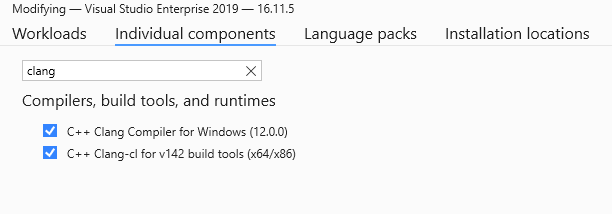
Make sure python3.6+ is installed.
Install the psutil python module
pip install psutil
Compile LLVM
Open the Visual Studio developer console and use the commands bellow to generate a visual studio solution to compile llvm.
Please also checkout all availbe cmake flags at: https://llvm.org/docs/CMake.html#options-and-variables.
git clone https://github.com/llvm/llvm-project.git llvm
cd llvm
cmake -S llvm -B build -DLLVM_ENABLE_PROJECTS="clang;lld" -DLLVM_USE_LINKER=lld -DLLVM_TARGETS_TO_BUILD=X86 -DCMAKE_INSTALL_PREFIX="C:\llvm" -Thost=x64
This creates the Visual Studio solution in ./llvm/build.
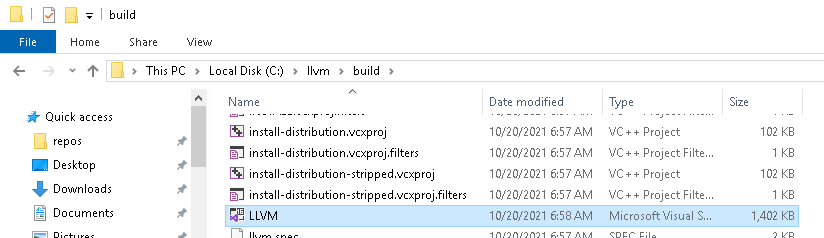
Since compilation will take a really long time i suggest to set the solution’s configuration to Release.
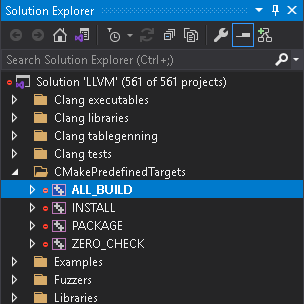
Now build the ALL_BUILD project to compile llvm.
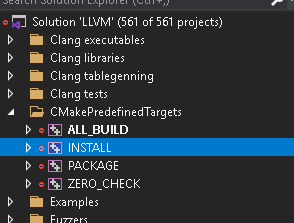
Run the INSTALL project to install llvm to C:\llvm
Using llvm from within Visual Studio
First we create a new Visual Studio project with the name llvmTest.
Create a HelloWorld.c source file with the following contents:
#include <stdio.h>
#include <string.h>

char str1[20] = "I love ";
char str2[12] = "11philip22\n";

int main() {
    int x = 1;
    int y = 2;
    printf("hello world %d\n", (x + y) * (x + y));
    char* newStr = _strdup(str1);
    strcat_s(newStr, 20, str2);
    printf("%s", newStr);

    return 0;
}
In the project property page set Platform Toolset to LLVM (clang-cl).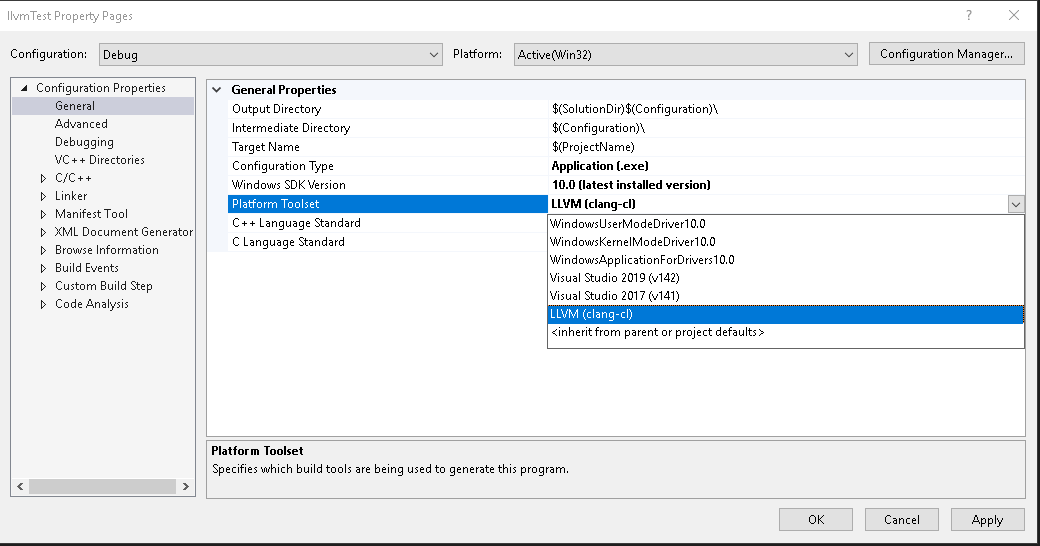 To use our newly build toolchain create a file inside any Visual Studio solution or project called
 Directory.build.props with the contents:
<Project>
  <PropertyGroup>
    <LLVMInstallDir>C:\llvm</LLVMInstallDir>
    <LLVMToolsVersion>14.0.0</LLVMToolsVersion>
  </PropertyGroup>
</Project>
Now Build and Run the project like you would usually do in visual studio.