Working with Codex on a ULPI project kept ending in the same place: it asked me to plug or unplug a USB device. I got tired of doing that by hand, so I decided to have Codex design a board that would let it turn the device’s VBUS power on and off itself.
That meant giving Codex a way to work with KiCad. On Windows, KiCad’s writes to the registry and files in Documents kept running into Codex CLI’s sandbox, so I put both in Docker.
I started with only the requirements: a USB-A male plug and female socket, USB 2.0 high-speed support, a VBUS switch controlled by an STM32 Blue Pill, and a socket for the Blue Pill. We went back and forth on the details before I asked Codex to write up design notes. While writing the doc, Codex looked for parts at JLCPCB through the pcbparts MCP server. I checked the doc and told Codex to implement it. When it started building the board, it also downloaded the required symbols and footprints with easyeda2kicad.py.
First result
Codex built the first board with build_board.py. The script defines the parts and nets, writes the schematic, then uses KiCad’s pcbnew API to place the footprints and route the PCB. This is the result.
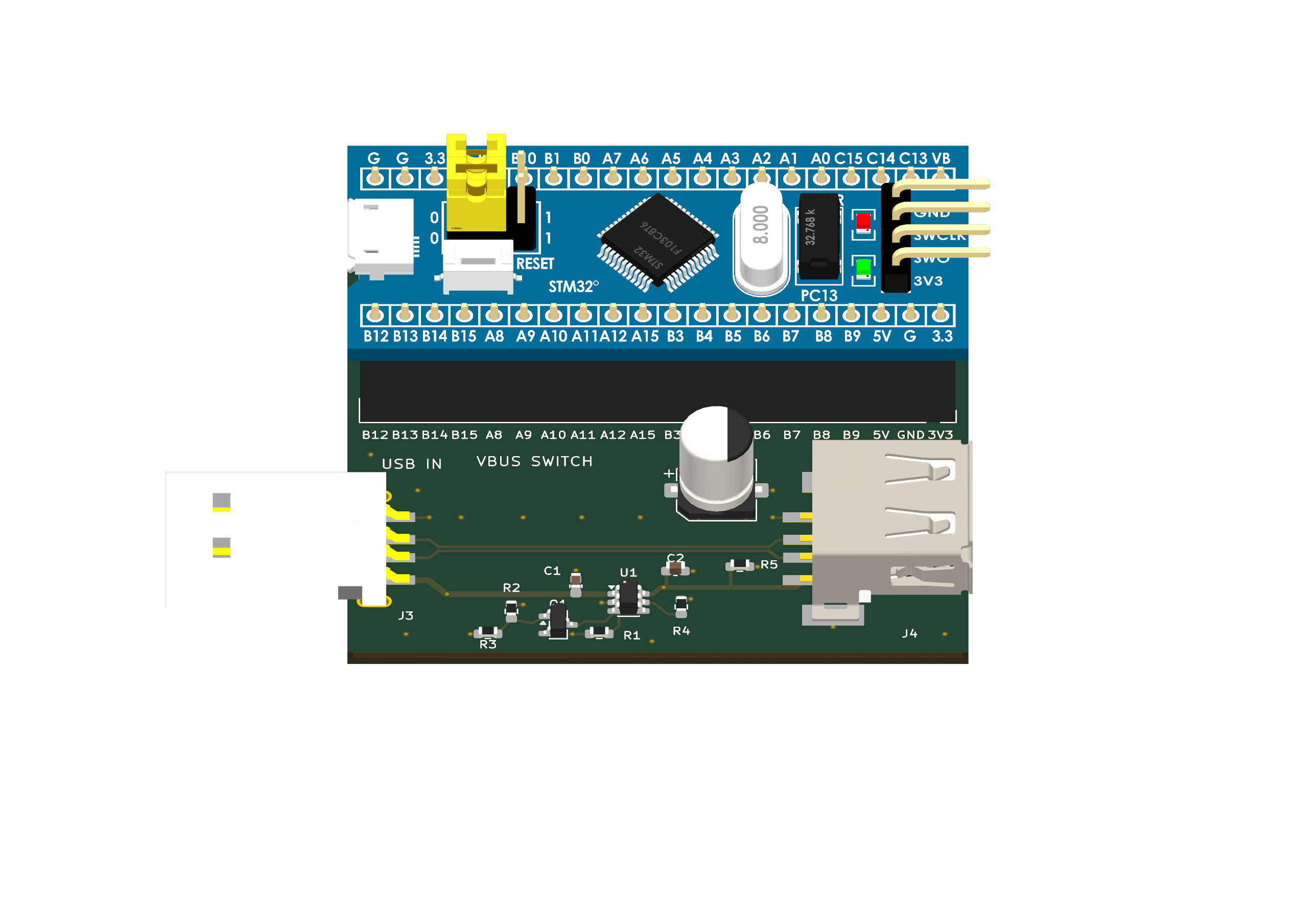
First 3D render of the board.

First PCB layout.

First schematic.
Switch control
Codex decided the board needed Q1, a 2N7002 MOSFET, and placed it in the control circuit for the TPS2552’s active-low enable pin. When the Blue Pill drives PA0 high, Q1 pulls SW_EN_N to ground and the switch powers the USB device. When PA0 is low or floating, Q1 turns off and R1 pulls SW_EN_N up to VBUS_IN, turning the power off. R2 keeps Q1’s gate low if the Blue Pill is absent. Q1 also keeps the 5 V pull-up away from PA0.
Placement
I wasn’t happy with the first layout. C3 sat above the USB data pair, and the other components were scattered across the board. I gave Codex this prompt:
› c3 should be under the d+ and d- so we domt have to route vbus out under the differential pair.
  all other componenents are scattered over the board. group them toghether, align them and make it look nice
Codex moved C3 below the data pair and grouped the switch components along the lower edge of the board. The schematic stayed the same; this was a placement and routing change.
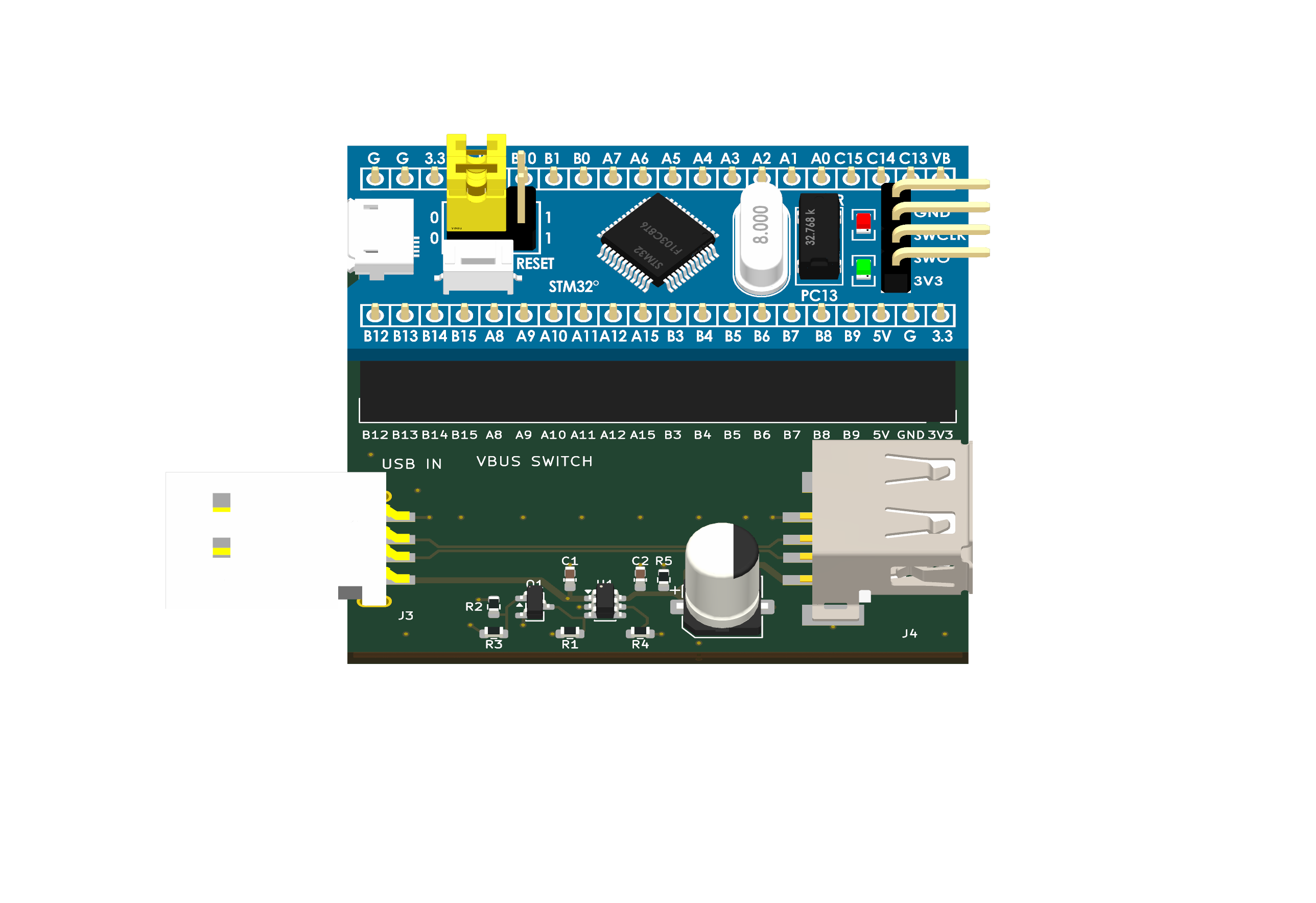
Board after Codex rearranged the components.

PCB layout after the placement change.
Manual fixes
The second layout was still messy, and fixing it by hand was faster than another round with Codex. I put R2 and R3 together beside Q1, tightened the placement around U1 and C3, and cleaned up the traces and silkscreen. I also redrew the schematic with explicit wires and ground symbols so the connections were easier to follow.
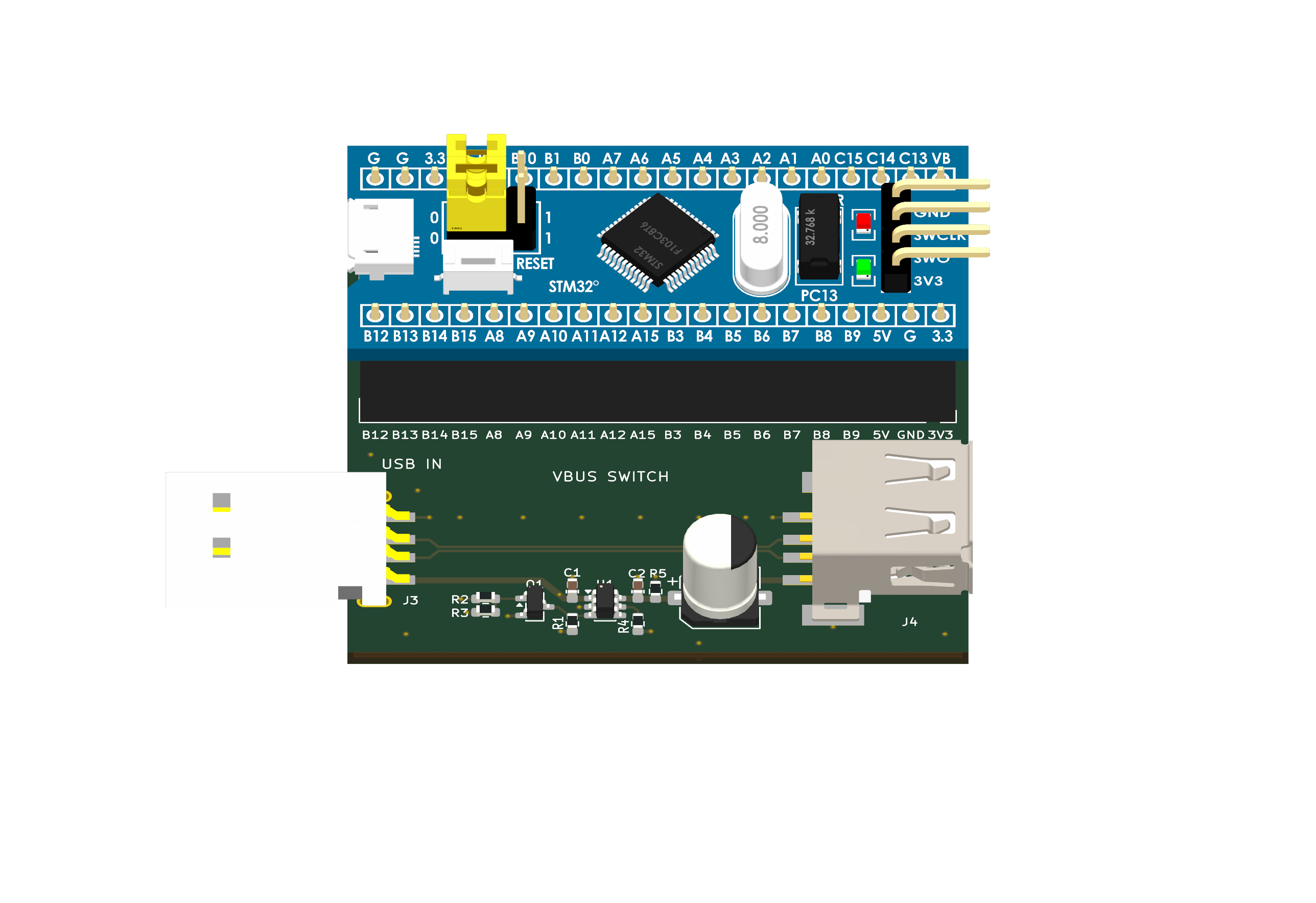
Board after my manual changes.

PCB layout after the manual pass.

Schematic after the manual pass.
Codex took the board from a short set of requirements to a schematic and routed PCB. The second layout still needed substantial cleanup, which was faster to do by hand.
The resulting KiCad project, including the schematic and PCB, is on GitHub.
The real test is the physical board. If it works, Codex can finally turn USB power off and on without asking me to pull the plug.